

Refinery Search matches the words in product names, and can also find products by SKU, category, tag and attribute. It corrects misspelled words, so a search for “magnesim” finds magnesium products.
Matching settings
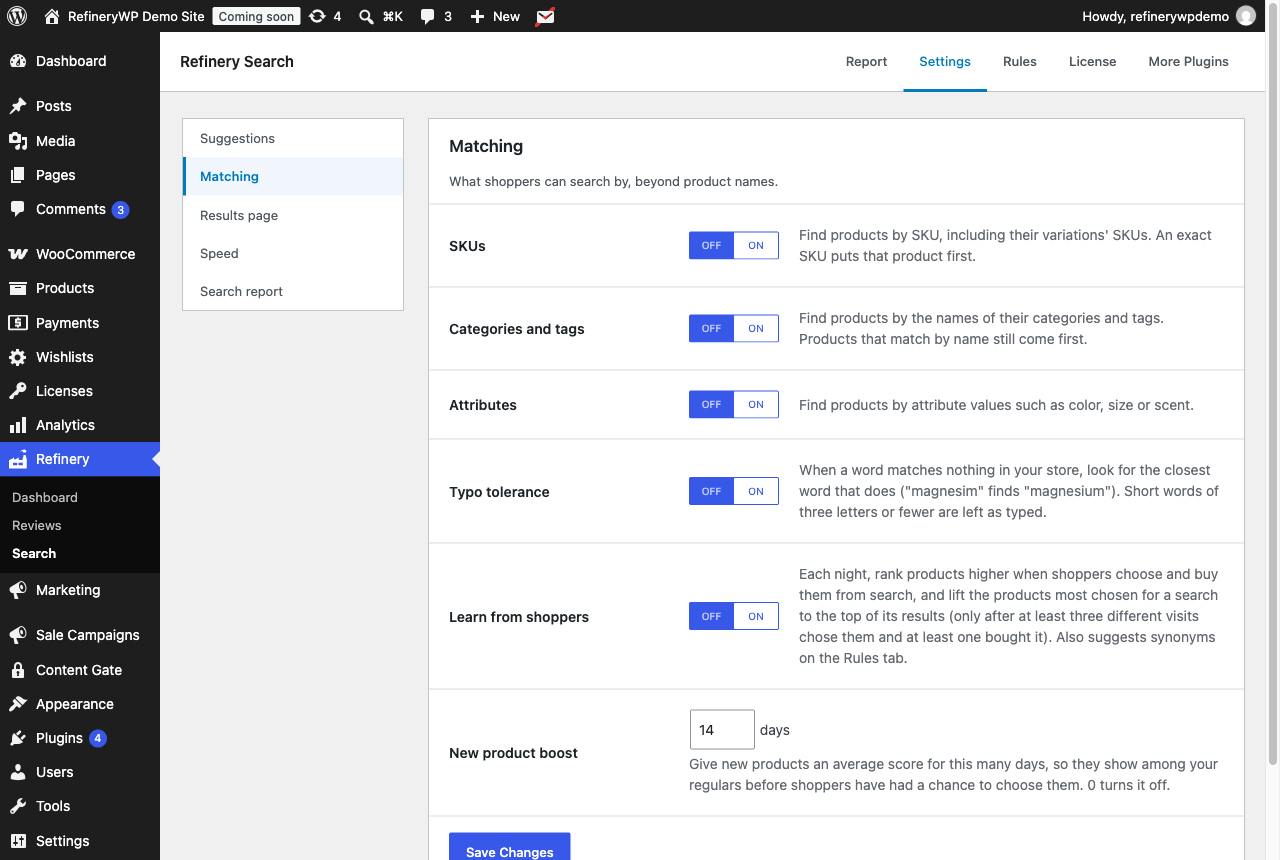
Go to Refinery > Search > Settings > Matching.
| Setting | What it does |
|---|---|
| SKUs | Finds products by SKU, including their variations’ SKUs. A search for an exact SKU puts that product first. |
| Categories and tags | Finds products by the names of their categories and tags. Products that match by name still come first. |
| Attributes | Finds products by attribute values such as color, size or scent. |
| Typo tolerance | Corrects words that match nothing in the store. |
Changing SKUs, Categories and tags or Attributes rebuilds the search data in the background. Renaming a category, tag or attribute value does too.
How typo tolerance works
- Only a word that matches nothing in the store is corrected. A word that starts a word in the store is left alone, so shoppers still get results as they type.
- Words of three letters or fewer are left as typed.
- Words of 4 to 7 letters allow one mistake, longer words two. A mistake is a missing, extra or wrong letter, or two letters swapped. The first letter must be right.
- Up to three corrections are tried for each word.
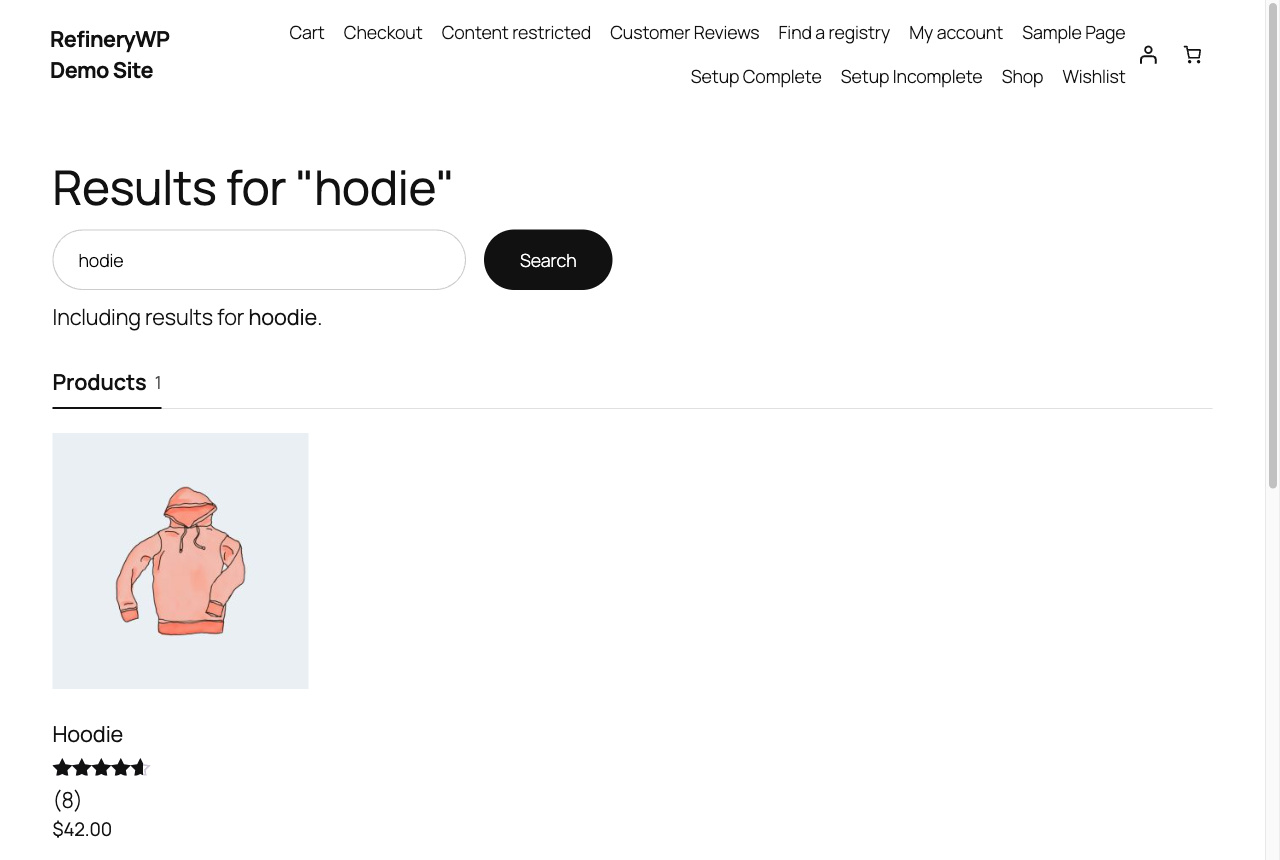
- The results page says which words it searched for instead.
Corrections use the words in the store’s own product names (and categories, tags and attributes when those are turned on), so a correction always finds something.
Troubleshooting
A misspelling is not corrected
A misspelling whose first letter is wrong, or with more mistakes than allowed, is not corrected. Add it as a synonym instead.