Refinery Search works on multilingual stores built with WPML or Polylang, and alongside other Refinery plugins.
Multilingual stores (WPML and Polylang)
WPML and Polylang keep each translation of a product or post as its own item. Refinery Search searches each language separately: a shopper browsing in French gets French suggestions and French results. In the browser search method, each language has its own product list.
- The list of languages is checked whenever WP Admin is opened, and each night. Adding or removing a language rebuilds the search data in the background.
- Prices in suggestions are in the store’s default currency. Stores with a currency switcher can turn on Hide prices under Settings > Suggestions.
- Products shown untranslated in another language (“display as translated”) are only searched in their own language.
- Pinned products are pinned per language: pin the translated product too for the other language’s searches.
Refinery plugins
The results page uses the theme’s own product cards, so buttons and badges other plugins add to product cards also show on it, including Refinery Wishlists’ save button, Refinery Urgency’s badges and countdowns, Refinery Sales & Deals’ banners and Refinery Waitlist’s Notify me button for out-of-stock products.
- Refinery Sales & Deals: when a campaign starts, ends or changes, suggestions are refreshed with the new prices.
- Refinery Waitlist: the Notify me button on the results page opens Waitlist’s signup form (Waitlist 1.0.1 or newer).
- Refinery Urgency: the badges a product has in the shop (such as Sale or Low stock) also show next to it in suggestions, with the labels and colors set in Urgency. Badges refresh when stock changes. Turn off with Badges from Refinery Urgency under Settings > Suggestions.
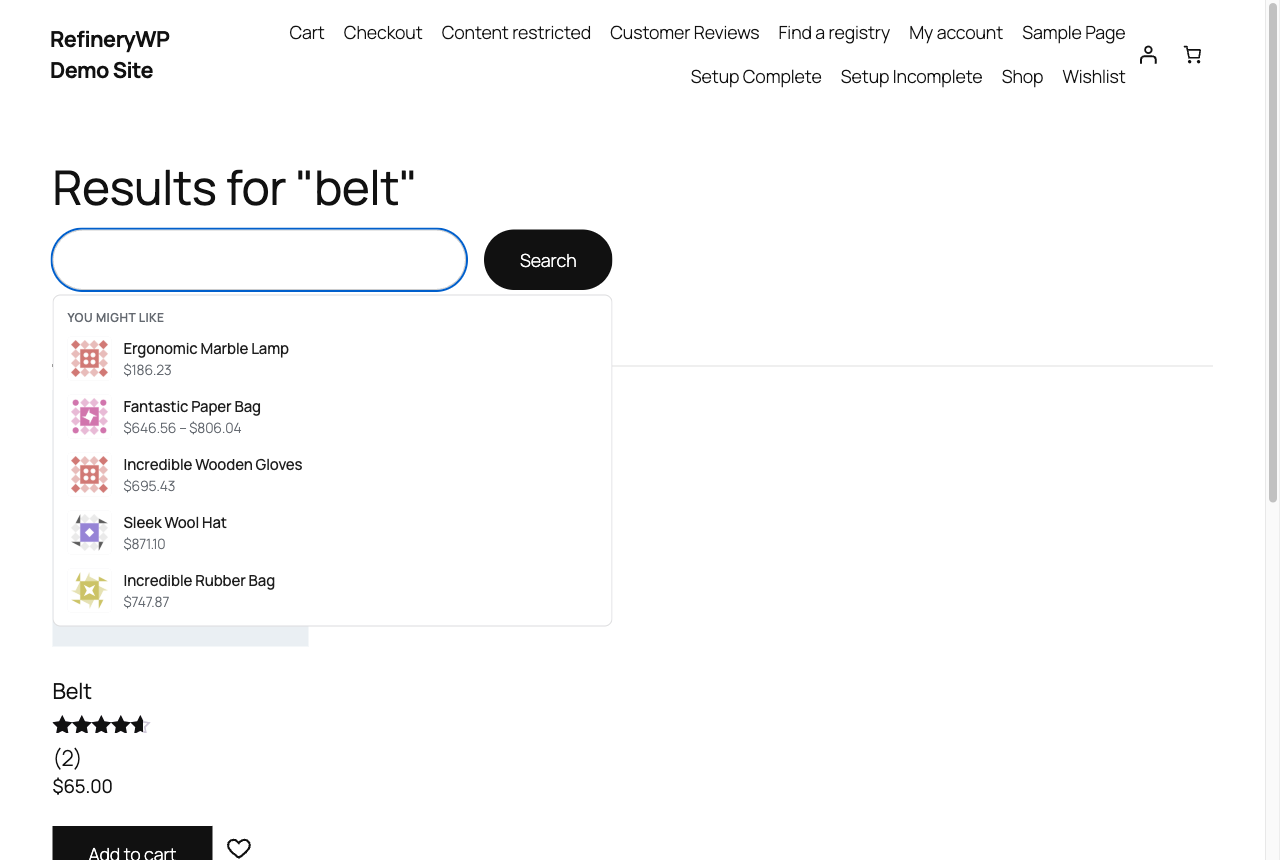
- Refinery Product Recommendations: when a shopper clicks into an empty search box, and when a search finds nothing, suggestions show recommended products. Recommendations start from the product being viewed, the last product chosen from search in the visit or the last product in the cart; otherwise from the store’s best-ranked product. The results page shows them when nothing matches. Turn off with Recommendations under Settings > Suggestions.
The Badges from Refinery Urgency and Recommendations settings only appear when that plugin is active.